Get BreakCheck Certified Got scammed?
Navigation
Home
Buyers
Search Sellers/Breakers Search Live Streams Scam Alert Directory Top Rated Sellers/Breakers Hall of Shame
Sellers
Search Sellers/Breakers Add Your Live Streams Add Your Big Hits Why get Certified
Certification
Apply/Renew Certification Verify Certification Appeal a Decision Certified Seller Spotlight
Safety Hub
Was I Scammed? Report A Scam
Resources
API Docs Buyer Guides Approved Tools Add Notable Hits
More
Browser Extension Got scammed? Get BreakCheck Certified
Chrome Extension — Free

See who's legit
before you bid

Trust Score, scam alerts, and certified status — right on Whatnot, eBay, and TikTok Shop. Free.

BC 91 /100 218 reviews ✓ Cert
BC 57 /100 44 reviews
BC 29 /100 12 reviews ⚠ 3 alerts

Chrome Web Store submission pending review · No account required to use the extension
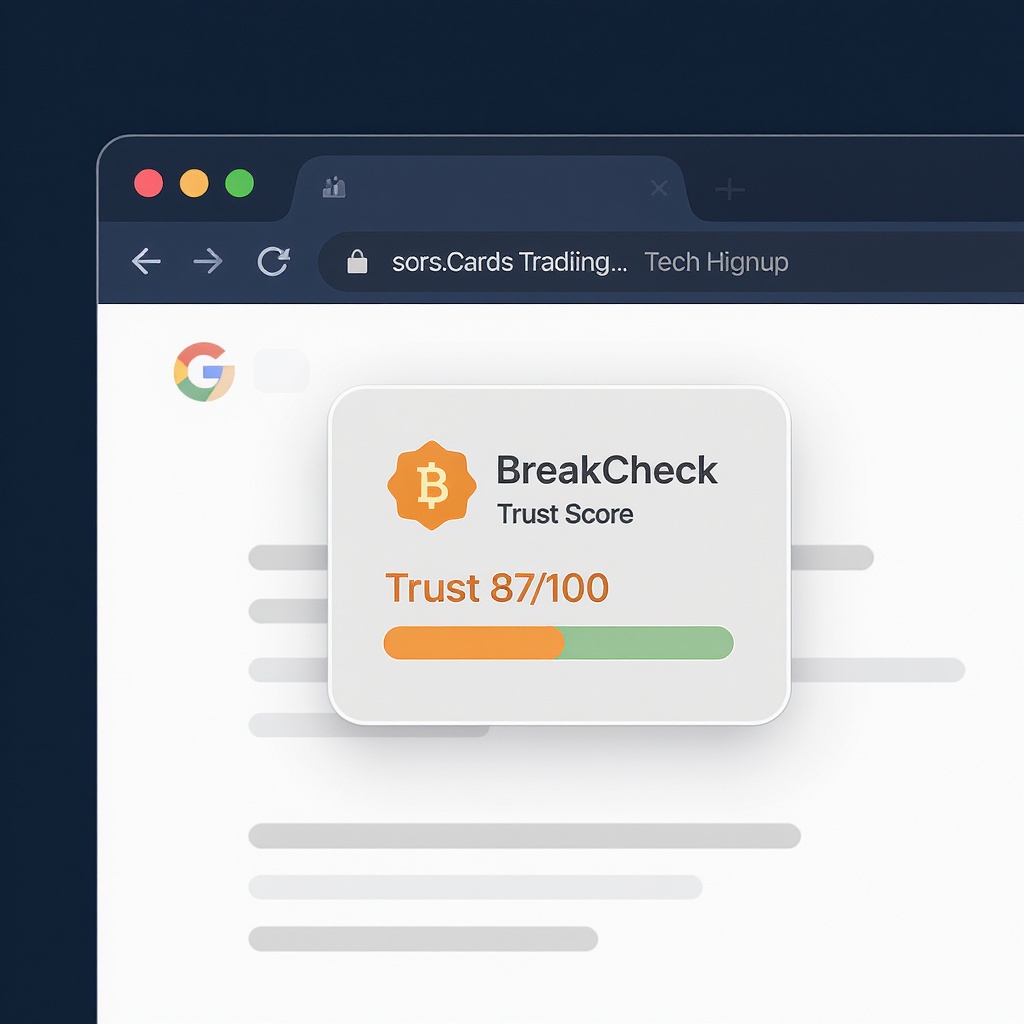
BreakCheck Trust Score badge injected next to a card break seller on Whatnot

Badge appears inline — no extra clicks, no new tabs to open

Works where you already shop

The extension detects the platform automatically and injects a badge next to the seller's name.

🔴

Whatnot

Live stream pages, seller profiles, and browse cards. Reacts to SPA navigation without a page reload.

✓ whatnot.com/live/*
✓ whatnot.com/user/*
🟡

eBay

Injected below the Seller Information module on Trading Cards and Sports Cards item pages only.

✓ ebay.com/itm/* (cards only)
✓ Topps · Panini · TCG · Pokémon

TikTok Shop

Sports card seller pages and product listings. Reacts to SPA navigation just like Whatnot.

✓ tiktok.com/@handle
✓ Card/collectibles product pages

Everything you need in one pill

87
Trust Score (0–100)
Green ≥75 · Yellow 45–74 · Red <45 · Gray = no score yet. Updated nightly.
BreakCheck Certified
Identity verified, ethics quiz passed. The highest trust signal we offer.
Scam Alert Count
Verified community scam reports linked to this seller. Zero means zero — we don't suppress them.
142
Review Count
Total published buyer reviews. Click the badge to read them on the full profile.

Install in under 60 seconds

The Chrome Web Store submission is pending review. Install via developer mode today — it works identically.

1
Download the extension zip
Get the latest packaged build — no GitHub account needed.
Download breakcheck-extension.zip
2
Unzip the file
Extract breakcheck-extension.zip to a folder on your computer. You'll load this folder into Chrome.
3
Open Chrome Extensions
Go to chrome://extensions and enable Developer mode (toggle in the top-right corner).
4
Click "Load unpacked"
Select the unzipped folder. The BreakCheck icon (BC) appears in your Chrome toolbar immediately.
5
Open Whatnot, eBay, or TikTok Shop
Navigate to any seller or listing page. The BreakCheck badge appears automatically next to the seller's name — no setup required.
Web Store coming soon. Once approved, you'll be able to install with one click from the Chrome Web Store. Firefox AMO submission is also in progress.

What we don't do

No browsing history
The extension only reads the seller handle already visible on the page — nothing else.
No account required
Fully functional without signing in. Optional collector account unlocks watchlist alerts.
No tracking pixels
We send one API call per seller page load, cached for 5 minutes. That's it.

Full privacy policy · Required for Chrome Web Store listing

Get alerts when something changes

Free collector account. Watchlist any seller and we'll email you when new reviews come in, their score moves, or a scam alert is filed against them.

Create free account →

No credit card. Unsubscribe anytime.