Get BreakCheck Certified Got scammed?
Navigation
Home
Buyers
Search Sellers/Breakers Search Live Streams Scam Alert Directory Top Rated Sellers/Breakers Hall of Shame
Sellers
Search Sellers/Breakers Add Your Live Streams Add Your Big Hits Why get Certified
Certification
Apply/Renew Certification Verify Certification Appeal a Decision Certified Seller Spotlight
Safety Hub
Was I Scammed? Report A Scam
Resources
API Docs Buyer Guides Approved Tools Add Notable Hits
More
Browser Extension Got scammed? Get BreakCheck Certified
Free Browser Extension

Know who to trust
before you buy

BreakCheck injects Trust Scores, cert badges, and scam alerts directly on Whatnot, eBay, and TikTok Shop — right next to the seller's name.

BC 87 /100 142 reviews ✓ Cert
BC 52 /100 23 reviews
BC 31 /100 8 reviews ⚠ 2 alerts
Add to Chrome — Free Sideload now (dev mode)

Chrome Web Store submission in review · Firefox AMO coming soon
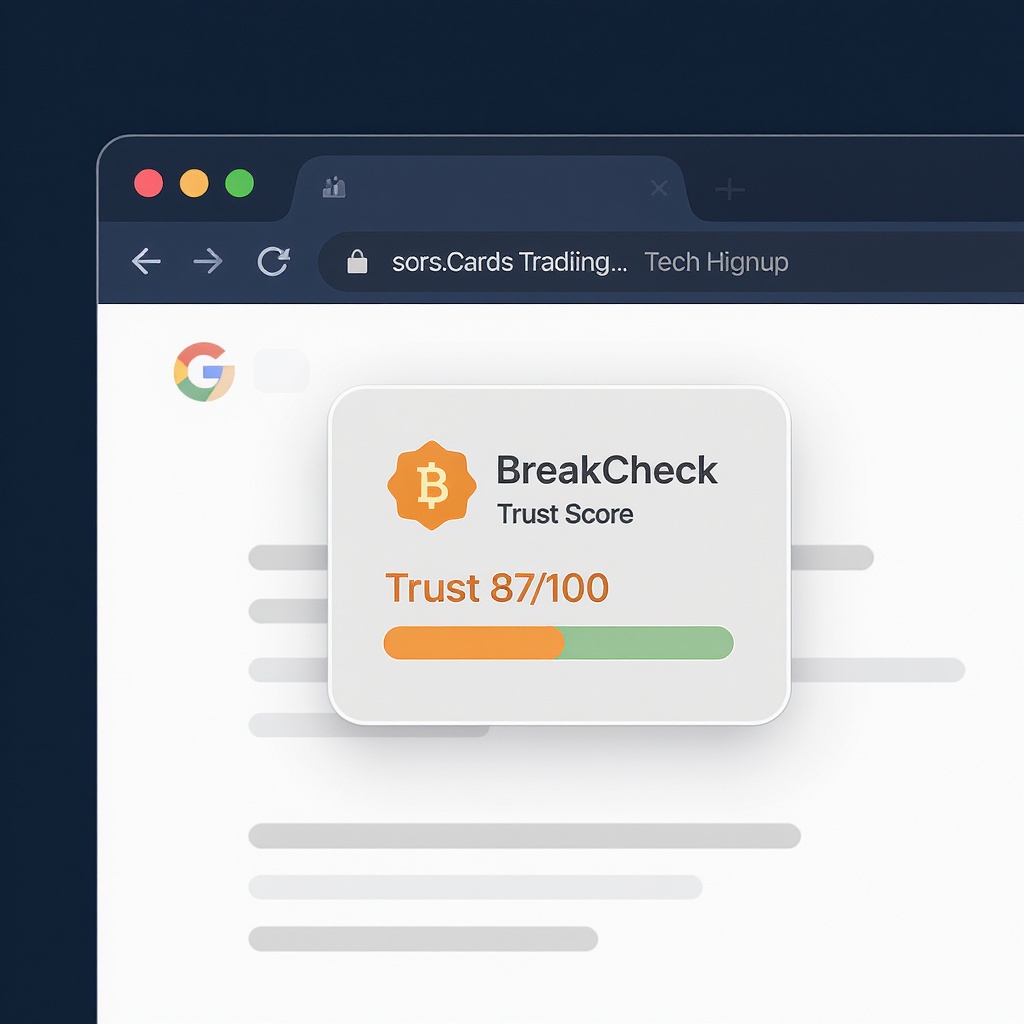
BreakCheck extension badge injected on a sports card listing

Badge appears next to the seller name — no extra clicks required

Works where collectors shop

🔴

Whatnot

Badge on live stream pages, seller profile pages, and category cards.

  • ✓ whatnot.com/live/*
  • ✓ whatnot.com/user/*
🟡

eBay

Badge below the Seller Information block on Trading Cards item pages only.

  • ✓ ebay.com/itm/*
  • ✓ Cards/TCG categories

TikTok Shop

Lightweight badge on sports card seller pages and product listings.

  • ✓ tiktok.com/@seller
  • ✓ Card/collectibles pages

What the badge tells you

87
Trust Score (0–100)
Green ≥75 · Yellow 45–74 · Red <45 · Gray = no score
BreakCheck Certified
Seller passed identity + ethics verification. Gold-standard status.
Scam Alert Count
Number of verified community scam reports against this seller.
#
Review Count
Total published reviews from verified buyers. Click to read them.

Install now (Developer Mode)

While the Chrome Web Store review is pending, install the extension directly in under 60 seconds.

1
Download the extension files
Clone or download the BreakCheck repo, then locate the extension/ folder.
2
Open Chrome Extensions
Navigate to chrome://extensions and toggle Developer mode in the top-right corner.
3
Load Unpacked
Click Load unpacked and select the extension/ folder. The BreakCheck icon will appear in your toolbar.
4
Browse to Whatnot, eBay, or TikTok Shop
Open any seller or listing page. The BreakCheck badge appears automatically next to the seller name.

Protect yourself before every break

Free. No account required. No personal data collected.

Add to Chrome — Free
Privacy Policy Terms BreakCheck Home